
Medical Center Website Development for Multiple Specialties and Branches
Article body starts below
Medical center website development needs to make a complex organization understandable. A visitor should be able to identify the right specialty, find the relevant doctor and choose a real location before requesting an appointment. That journey becomes harder when several departments share one generic contact form.
The project should begin with an approved list of services, clinicians, branches and booking rules. A center in Egypt may also need separate Arabic and English journeys. Content ownership matters because schedules and service availability can change after the website launches.
Build a directory that reflects the center
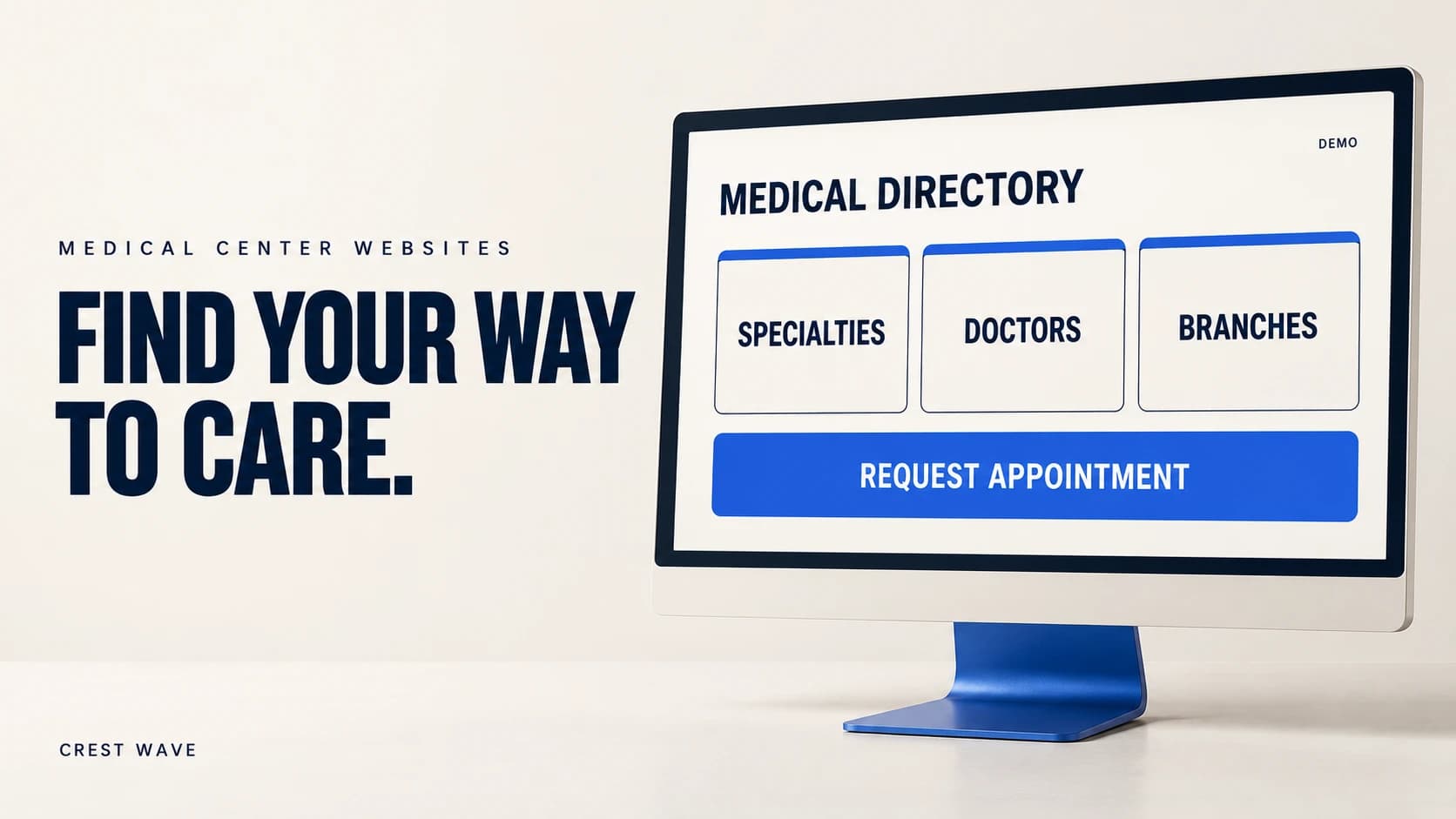
Organize the site around specialties, doctors and actual locations. Explain how these relate. A doctor profile should show approved credentials and the branches where appointments can be requested. A specialty page should clarify the services the center really offers.
Use plain labels patients can understand. Internal department names may be unfamiliar outside the organization. Ask reception which terms people use and have the clinical team review any medical explanation.
Avoid making visitors choose from a long list with no context. Provide a way to contact reception when someone is unsure about the appropriate department. The website should not guess a diagnosis or assign treatment from a marketing questionnaire.
Define what the booking feature actually does
An appointment request form and a confirmed scheduling system are different products. A request form collects a preference for staff to review. A scheduling system must reflect availability, reserve a slot and handle changes reliably.
State that distinction on the page and in the confirmation message. If staff must call back, say so. If the system promises a confirmed appointment, test how it prevents two people from taking the same slot and how cancellations return availability.
For multiple branches, carry the selected location into the booking request. Reception should not need to ask a patient to repeat information already supplied. Give users an understandable route to change the branch or appointment preference.
Keep public content separate from clinical systems
The public website can explain services and accept an appropriately limited contact request. Patient portals, medical records and clinical workflows require a separate scope with suitable security, access and governance decisions.
Do not treat a standard contact form as a medical records system. Decide which information is necessary for the first request and how it reaches authorized staff. Avoid collecting detailed health information merely because the form can support extra fields.
Marketing analytics should not receive patient details, appointment reasons or uploaded records. Ask the development team to demonstrate what data is sent to third-party scripts and what is retained by the website. Review that design with the center's responsible advisers.
Make the website usable on an ordinary phone
Check text size, contrast, form labels and tap targets. Important information should remain readable when a visitor zooms the page. A phone number, location and booking explanation should not disappear behind a large animation.
Test with long doctor names, several specialties and a busy branch directory. Search and filters should help visitors narrow the choice while leaving the underlying pages reachable through ordinary links. Keep Arabic and English content complete and correctly labeled.
Our guide to planning a business website around its visitors provides a useful starting point. For a medical center, clear navigation and reliable routing deserve attention before decorative effects.
Assign owners for information that changes
Name the person responsible for each content type. Reception may maintain working hours, while an authorized reviewer approves credentials and service descriptions. Agree how urgent changes are published when a doctor is unavailable or a branch closes temporarily.
Request a content handover that covers adding a doctor, moving an appointment location and removing outdated information. Keep an approval record for medical claims. A website with no editing owner can become inaccurate even if its launch was carefully managed.
Use realistic acceptance tests
Prepare a short set of scenarios before accepting the project:
· A visitor chooses a specialty, doctor and branch on a phone.
· A requested appointment is unavailable and the next step is explained.
· A form fails without losing all entered information.
· A duplicate request is handled consistently.
· Reception receives the correct branch and contact details.
· An administrator changes a schedule without breaking other pages.
Use fictional test records. Confirm notification delivery, permissions and recovery behavior. Agree who maintains the website and integrations after launch, including the process for reporting a fault.
Questions before approving the scope
Does every center need a patient portal immediately
No. Start with the public information and booking workflow that solve the current problem. Add a portal only when its purpose, operating responsibilities and technical requirements are clear.
Can existing scheduling software be connected
Possibly. The answer depends on the provider, available interfaces, permissions and the required behavior. Ask for a documented integration assessment before accepting a promise of automatic synchronization.
Crest Wave develops websites and custom software alongside marketing services. Send your specialty list, branch structure and current booking process to discuss a website scope for your medical center.