
Product photography that tells your brand story
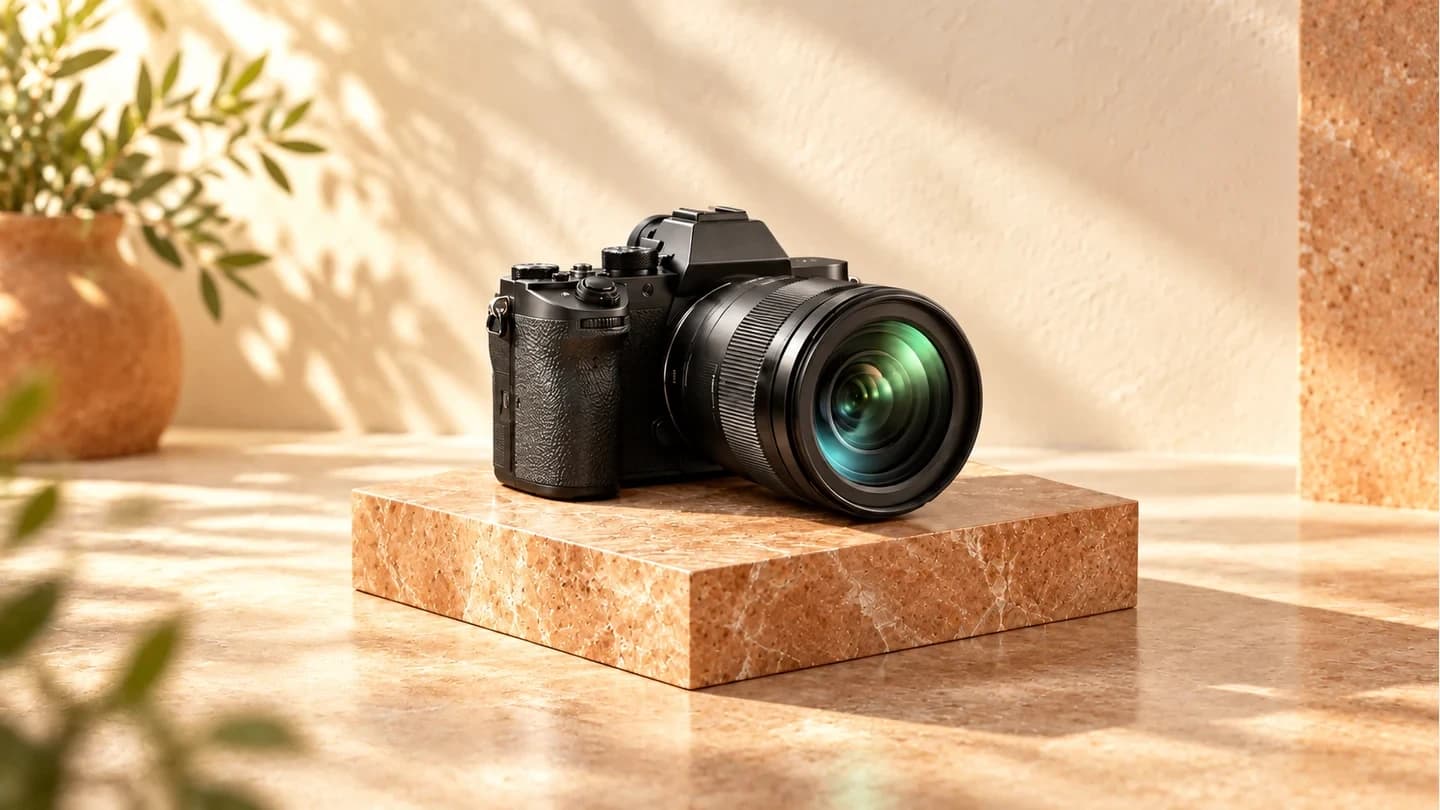
A product photograph can do more than show what an object looks like. It can reveal texture, suggest how something fits into everyday life, and introduce the personality of a brand. Start by deciding what the image needs to communicate before choosing the background or camera angle.
Give each image one job
What should someone notice first: a natural material, a thoughtful detail, or a practical feature? For a leather bag, one photograph might establish the overall shape while another shows the stitching. Separate these jobs instead of trying to explain every benefit in a single frame.
Build a setting with a purpose
Choose props that explain scale, use, or context. Start with a simple surface and one or two brand colors, then add only what supports the product. Look at the composition again: does the eye reach the product first? Remove anything that competes with it without adding meaning.
Test the light before expanding the shoot
Begin with soft light and adjust the product and light source gradually. Watch reflections on glass or metal, and check that important details remain visible. Keep a color reference when editing so the finished image represents the product rather than giving it a different material or shade.
Plan for where the photographs will appear
Prepare a clear hero shot, close details, and an image showing the product in use. Allow room for different crops and leave space for a headline when the layout needs one. A product page, an advertisement, and a social post may need different compositions even when they share the same visual idea.
Edit the set as a complete story
Review the selected photographs together for consistent light, color, and background treatment. Remove duplicates and give each remaining frame a reason to be there. A clear message, a visual reference, a shot list, and delivery dimensions form a practical brief for a purposeful shoot.